
WMM Software Development GmbH WMM SOFTWARE Development GmbH · Bad Wörishofen
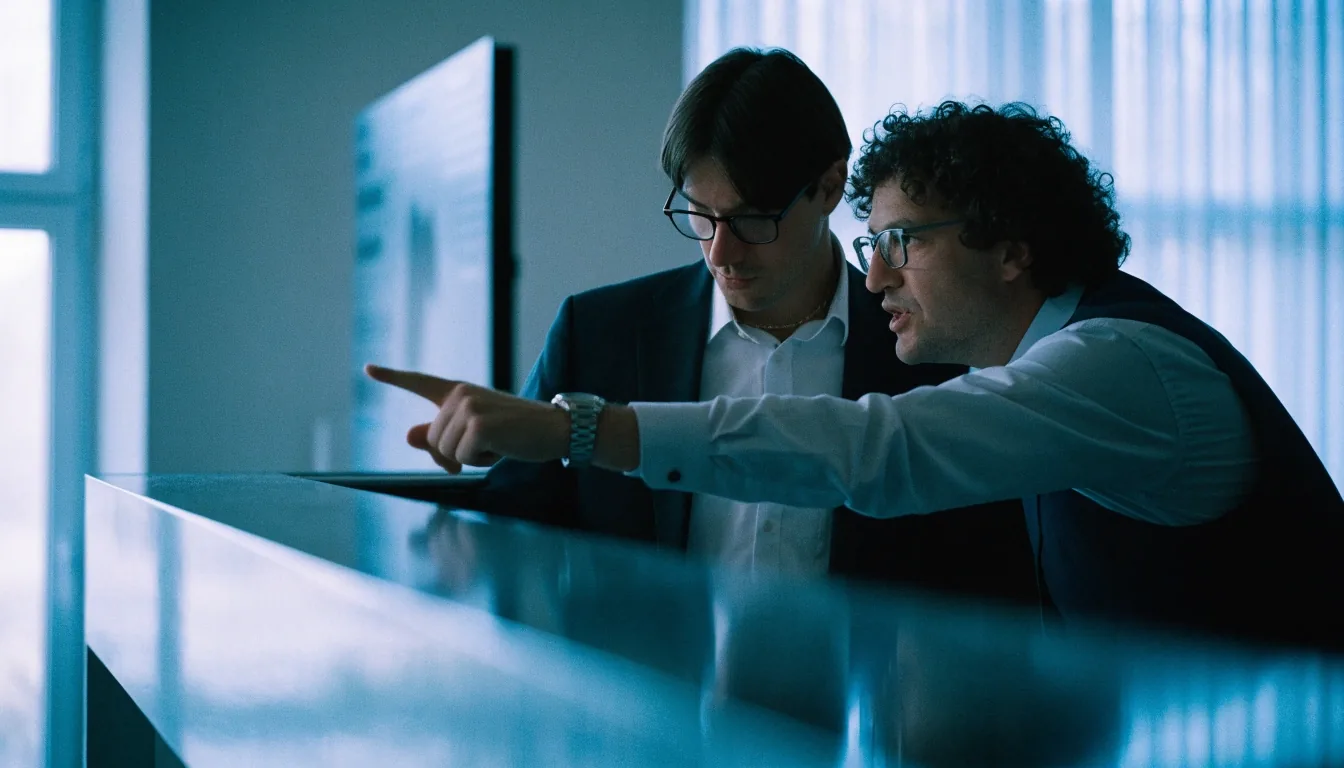
Support engineer working at a desk in the Bad Wörishofen office in daylight

WMM Software Development GmbH · Bad Wörishofen

ERP CRM and Automation Projects for Mid-Market Teams

Precise software, steady support, measured work daily. ERP, CRM, and automation projects share one aim: a business should enter data once and use it wherever it is needed.

An ERP system centralizes finance, inventory, production, and operations data. A CRM implementation centralizes customer, sales, and service records. Automation connects the two so an order, a delivery, or an invoice triggers the next step without manual copying.

Ticket queue

Three tickets on one plate

We help German mid-market businesses scope and implement those connections in stages, starting with the process that causes the most daily friction. Use the queue below to jump to the ticket you need.

Why ERP Work Recurs Across German Industries

Open
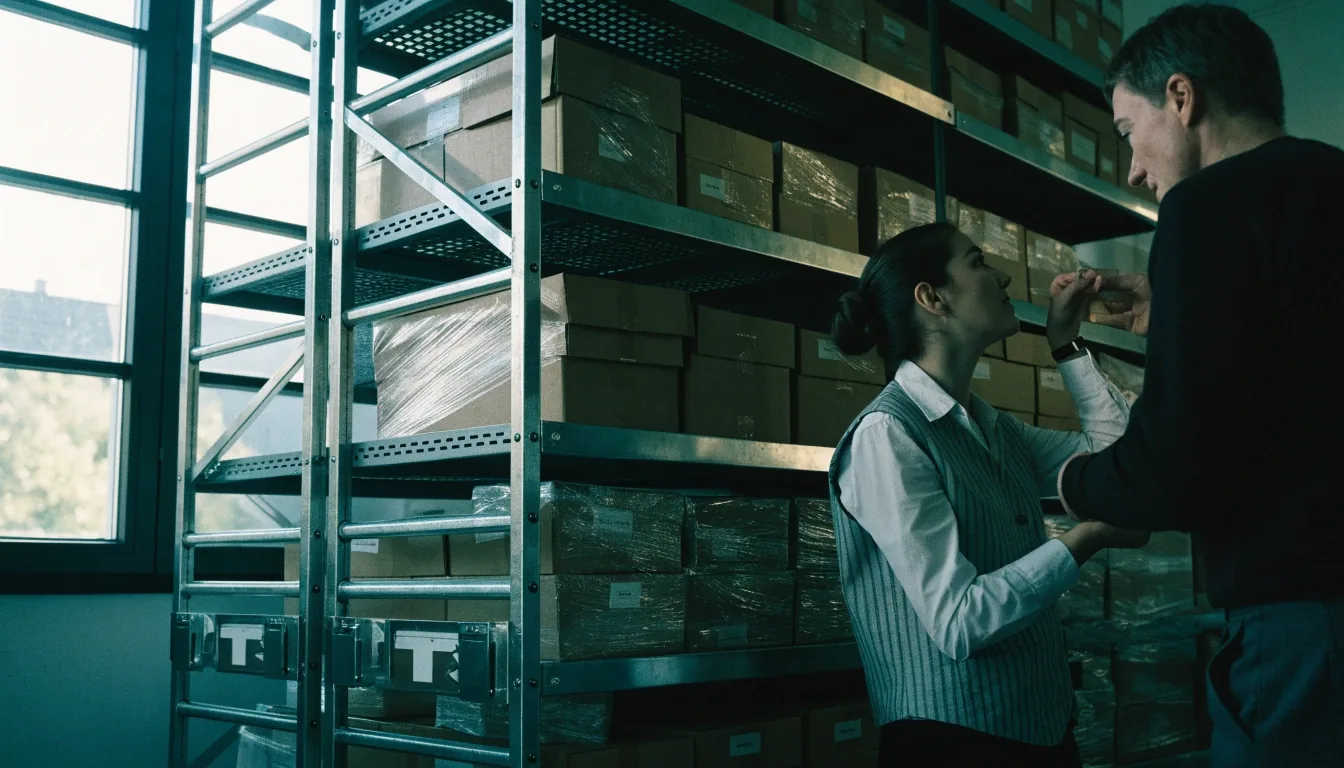
ERP system in use in a real office

ERP projects recur in German industrial and services firms because growth creates data that spreads across departments. Finance holds one version of a customer, sales holds another, and operations holds a third. An ERP system provides a shared record for finance, inventory, production, and operations data, often as part of a custom software and integration project.

The benefit is not the software itself but the agreement it forces about names, prices, and stock levels. That agreement becomes harder to reach as a company grows, which is why ERP work is tied to mid-market digitization goals. Before configuration, we agree who owns each data set, so the shared record stays trustworthy after go-live.

Scope an ERP project

CRM Implementation for Sales and Service Teams

Open
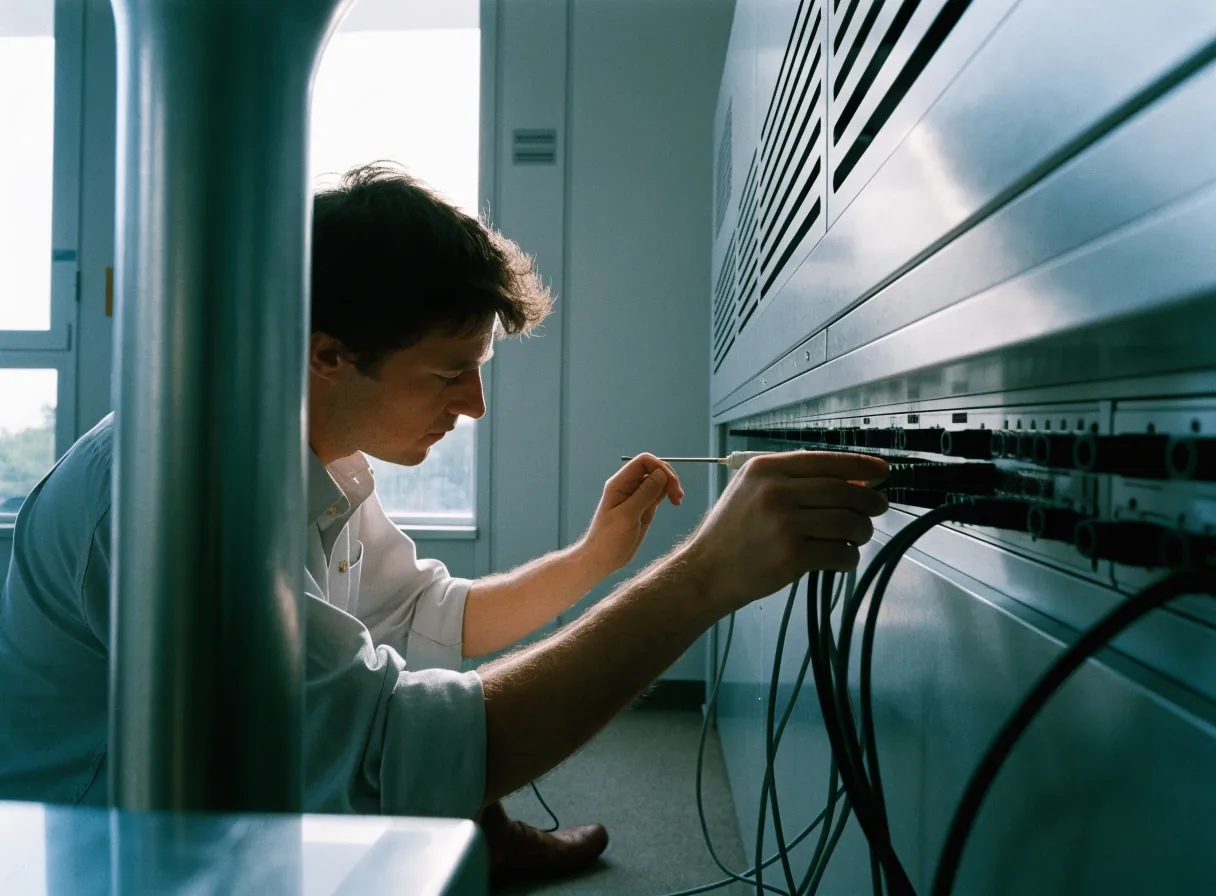
CRM workflow in use at a sales desk

A CRM system records who a customer is, what was discussed, what was quoted, and what was promised. Implementation is as much about sales process as about software. We work with sales and service teams to define stages, required fields, and follow-up rules before configuration begins.

Too many mandatory fields will be ignored, and too few will leave managers without visibility. We test the CRM with real sales cycles, then adjust the process. Training is included, because a CRM that only a manager uses will not improve customer follow-up.

Plan a CRM implementation

Process Automation Across Finance and Operations

Open

Process automation, or Automatisierung, removes repetitive steps such as retyping order data, generating standard invoices, or sending status updates to customers. We identify automation candidates by measuring where staff spend time on tasks that a system can perform reliably.

A typical project might connect a confirmed sales order to inventory reservation, delivery planning, and invoice creation. Each automation step is tested with exception cases, such as a partial delivery or a credit note. Automation that cannot handle exceptions will create more manual work than it saves.

Identify automation opportunities

Support rows

IT support when a link stops

ERP and CRM work does not end at go-live. When an interface stops, a role cannot see a record, or a report stops matching the source, staff need a desk they can reach. Our support engineers in Bad Wörishofen take the ticket, reproduce the fault against the real process, and fix the cause in the system or the flow — then document what changed so the next person understands it.

IT support engineer troubleshooting at a desk

Open explainer

How the pieces connect

Two engineers reviewing a workflow together at a desk

A handover review before the next phase begins, with the people who will use the system in the room.

System Integration Between ERP, CRM, and Other Tools

System integration connects ERP, CRM, accounting, and industry tools so data moves in both directions where needed. A customer record created in the CRM may need to appear in the ERP for invoicing, while stock status from the ERP may need to appear in the CRM for realistic quoting.

We map those flows, define timing, and build error reports for failed transfers. Integration is documented in a form that an administrator can follow. Future changes to one system should not silently break a link that another department depends on.

Review ERP and CRM integration

Data Quality, Migration, and Reporting

Reports are only as trustworthy as the data behind them. Before migration, we review customer, product, and supplier records for duplicates, missing fields, and inconsistent formats. Cleanup is a joint task, because only the client knows which record is correct.

After migration, we build reports that answer specific management questions, such as sales by region or stock levels by warehouse. Report definitions are written down, so a figure in a meeting can be traced to its source data and its calculation.

What a report needs before it is trusted

The question the report answers, in management wording
Q
The source records for customer, product, and supplier data
S
The calculation, written down and checkable in a meeting
C

If a figure cannot be traced to its source and calculation, it is not yet a report — it is an estimate.

Engineer working at a keyboard and monitor in daylight

Security, Access Rights, and Compliance Questions

ERP and CRM systems hold sensitive business and personal data, so access rights and security practice matter from the start. We define roles for sales, finance, operations, and management, then test that each role sees only the data it needs.

Questions about data storage location, backup, and retention are answered during scoping and recorded in the project plan. German buyers rightly ask about compliance and security before they ask about features. A system that staff cannot trust will be worked around, no matter how complete its feature list is.

Process ledger

How work arrives and leaves

Each phase ends with user acceptance, so a business can confirm value before the next phase begins.

  1. Scope

    Scoping CRM and ERP Projects in Practice

    CRM and ERP projects are typically scoped by process, not by module. A first phase might cover quoting and order entry, a second phase might add purchasing and stock, and a third might add reporting for management. Scoping includes data cleanup, because migrating duplicate customer records into a new system only makes the duplicates permanent. We agree on data owners, migration timing, and parallel running periods.

  2. Build

    Configure, integrate, and test with real cases

    We configure stages and fields with the sales and service teams, connect ERP, CRM, and accounting flows in both directions where needed, and test every automation step with exception cases such as a partial delivery or a credit note. Error reports are part of the build, not an afterthought.

  3. Hand over

    Train, run in parallel, and accept

    Training is included for the teams who use the system daily. Parallel running periods let staff compare old and new records side by side. Each phase ends with user acceptance, documented in a form an administrator can follow when the next change arrives.

  4. Measure

    Measuring Whether the Project Worked

    A project works when a defined process improves and staff can prove it. We agree on measures before launch, such as the time to create a quote, the number of duplicate entries, or the accuracy of stock records. After go-live, we compare those measures with the baseline from scoping. If a measure does not improve, we investigate whether the cause is software, process, or training. That review closes the loop between a business goal and a technical delivery, and it gives management a factual basis for the next phase.

Common questions before you scope

Where should we start if finance, sales, and operations each hold different records?

Start with one process that causes daily friction, such as quoting and order entry. Agree the shared record for that process, clean the duplicates in that data set, and prove the value before the next phase adds purchasing, stock, or reporting.

How many mandatory CRM fields should we set?

Only the fields the team will actually fill in during a real sales cycle. Too many mandatory fields will be ignored, and too few will leave managers without visibility. We test with real cycles and adjust.

What happens when an automation step meets an exception?

The exception is tested during the build — a partial delivery, a credit note, a failed transfer — and routed to a person with an error report, so automation does not create hidden manual work.

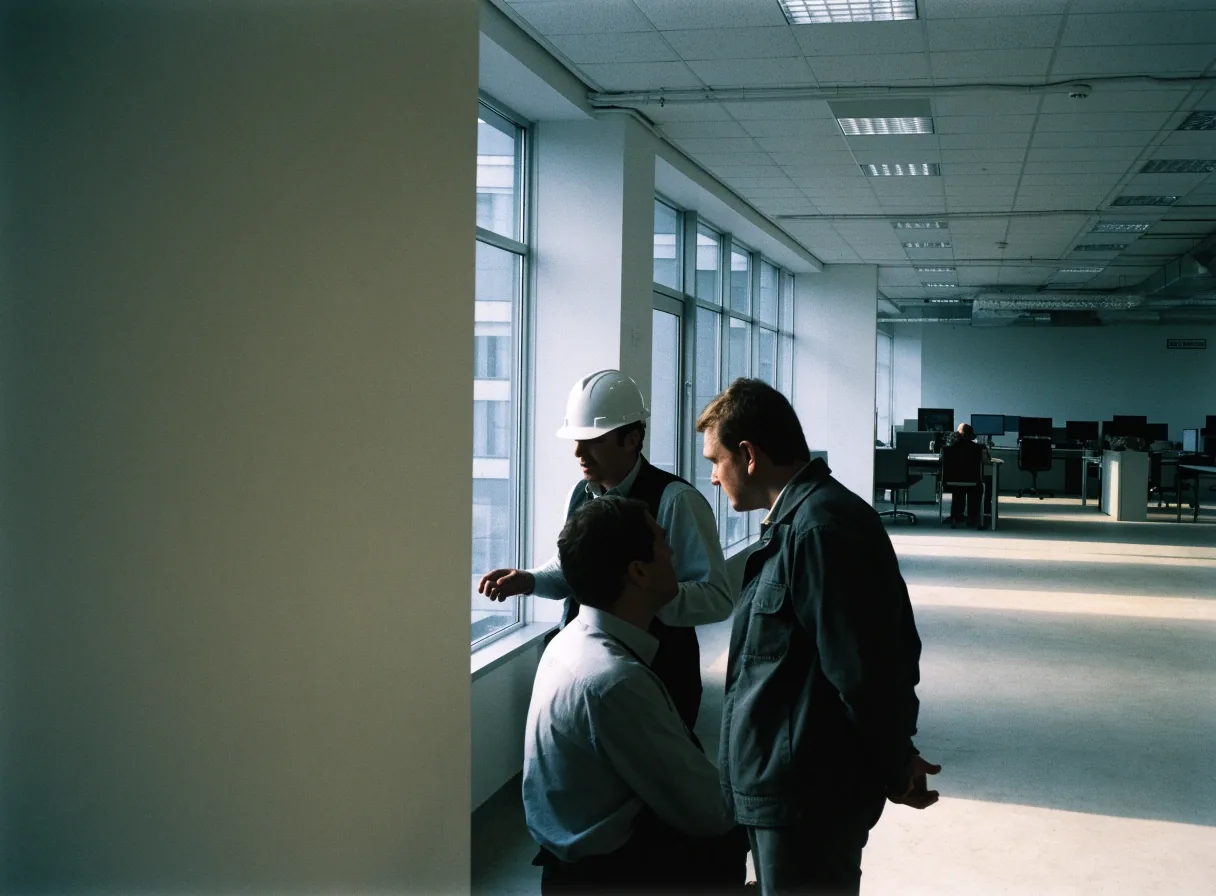
The Bad Wörishofen office floor plate with the team at their desks

Closing plate

Enter data once. Use it wherever it is needed.

Tell us which process causes the most daily friction. We will scope the next phase around it — ERP, CRM, automation, or the integration between them.

WMM Software Development GmbH

Adolf-Scholz-Allee 8
86825 Bad Wörishofen, Germany
[email protected]
+49 8247 593971
Monday to Friday, 9:00 AM – 6:00 PM

© 2026 WMM Software Development GmbH · wmmsoftware.digital